Monday, September 28, 2015

List of 18 Crowdfunded Raspberry Pi Boards That Didn't Make It


If you're looking to crowdfund your Raspberry Pi project maybe you can learn what didn't go right for these projects.  Here is a list of hardware projects that didn't get funded. This list was pulled from the two top crowdfunding sites Indiegogo and Kickstarter.  This isn't all of the projects that I had found but some of the more interesting ones.

*Note items in the list may have been re-listed later and funded.  Some projects may have been ahead of their time as the Pi wasn't popular enough.


Img Project Descripton Backers Pledge / Goal / %
+1 Button
CoMo Booster Board for Rpi Module with: wifi, oled screen, digital audio, RTC, 6-36v power input. 55 $6,834 / $40,000 / %17
ZIR EL-200 "ZIR EL-200 is connected to your computer, smartphone or tablet using Wi-Fi wireless network, and from there we set or directly assign instructions using the browser. However, one of its most interesting features is the ability to also be controlled by voice, using for that purpose applications on iOS and Android." 60 $5,012 / $90,000 / %5.6
1080Pi 10" 1080p Screen that mounts to the Rpi GPIO with 16 extra GPIO, 4 with 3A sinking current.  189 £20,451 / £100,000 / 20%

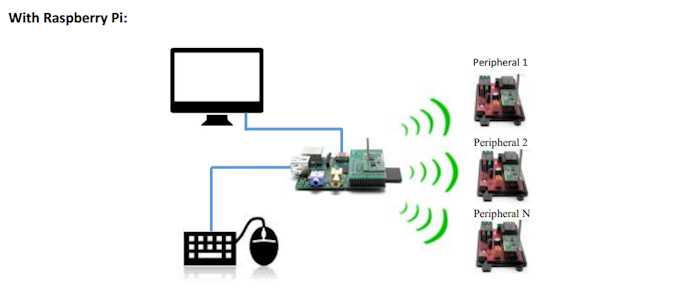
RFberryPi A 433Mhz Radio Shield used to communication with several peripherals such as relays & sensors.  14 £321 / £4,850 / 6.6%

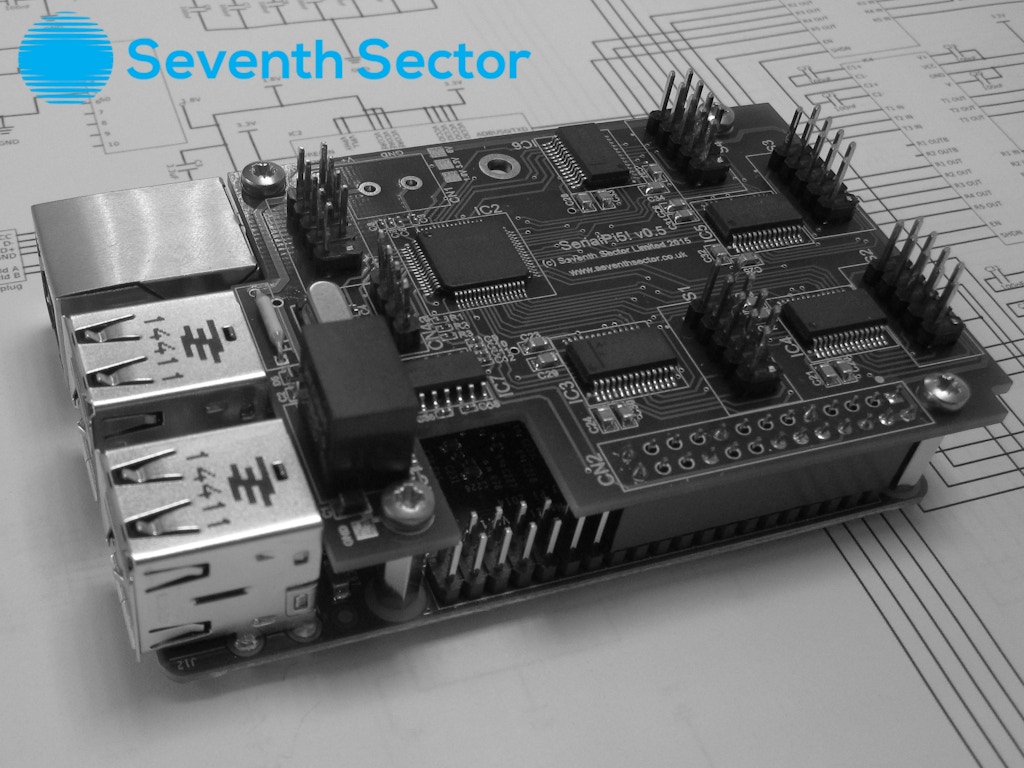
SerialPi5 Board giving the Rpi the ability to have 5 RS-232 serial ports. 5 £261 / £11,000 / 2%

Jilia Iot Dev Kit "Add ZigBee, Z-Wave, Bluetooth, and Wi-Fi to your Raspberry Pi with on-board sensors and an easy cloud API." 119 $6,256 / $50,000 / 12.5%


RF Breakout Kit
Breakout kit to build your own radio using the Rpi's built in clock generator.  Frequencies up to 250Mhz 126 £1,330 /  £1,800 /  72%

Bridge Shield Bridge an Arduino  with:
RTC, Motor drivers, Temp Sensor, IR Sensor, USB-UART converter, 5V 3A Reg, header for ESP8266, header for HC-05, level shifting between Rpi and Arduino, 8 Servo Motor Driver (I2C)
45 $2,696 / $4,100 / 65.8%

Pi UpTime "GPIO connections, analog ports, UPS, RTC & battery power enabling Raspberry Pi to be mobile." 17 hours of uptime on full battery, 2 analog input, RTC, and  25 $4,020 / $15,000 / 26.8%

Hatlogico "Open-source 16 PWMs, 8 ADCs and dual-voltage communications to sit on your Raspberry Pi to drive your quadcopter, robot, 3D printer etc" 42 £1,352 / £4,800 / 48.3%

BattPi "BattPi is a Case for Raspberry Pi with integrated Battery and Real Time Clock. Built in UPS offering up to 8 hours of battery life." 34 £1,973 / £20,000 / 9.9%

ProtoPLC Industrial add-on board.  6 inputs, 6 outputs, 1 analog input, 1 analog output, programmable leds. 28 $3,653 / $20,000 / 18.3%

Raspitab Hackable tablet built from the Rpi Module with 3400mah battery, 7" screen, wifi usb, 5MP camera module. 87 £9,981 / £125,000 /  8%

Pi-Home Add-on board with the ability to control: Zwave, Infra-red devices (TV/DVD..), RF Device (315/433 Mhz Plugs), and Zigbee devices.  80 $10,001 / $15,000 / 66.7%

TX-1 GSM Cellular phone w/GPS add-on module.  5 $641 / $14,000 / 4.6%

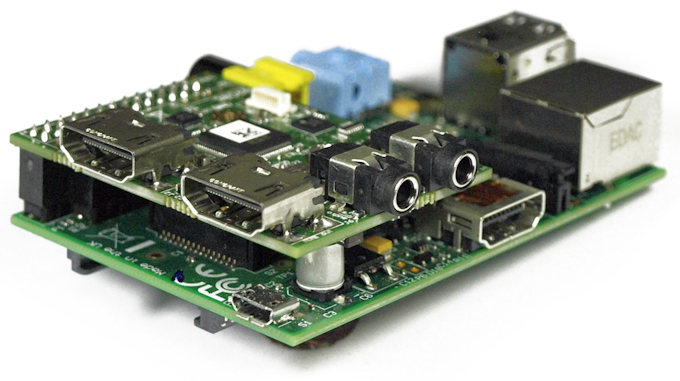
HDMI Input Module "Add an HDMI input interface to your Raspberry Pi and record or stream high quality video from your HD camcorder with clean HDMI output."  63 $6,907 / $15,000 / 34.5%

easyPio GPIO breakout module for prototyping. 45 £329 / £1,200 / 27%

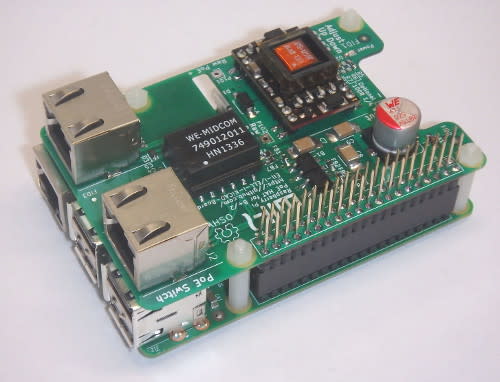
RasPoE Raspberry Pi PoE Shield.  28 €3,310 / €12,500 / 26.5%

Sunday, September 27, 2015

Raspberry Pi Relay Boards Compared


A Comparison of some add-on/hat relay boards that are fully compatible with the raspberry pi.  This list is only for boards that connect directly to the Raspberry Pi's  GPIO.

If you have one of these and you recommend it. +1 it :-) to help others. Comment below if you don't see one on here and I will add it. Please include a link to the seller. All prices are priced as of 09-28-15 and do NOT include shipping. Some Items may not ship to and from the US as it includes foreign shops.
Board Relays Extra
Inputs
Extra
Outputs
Stack-able Size Pi Ver. Price
(usd)
+1
PiFace 2 8 8 YES(8) A/B A/B $35
PiFace Rev 2 2 8 8 - B+ B+/2 $44
PiFace Relay+ 4 - - YES(8) A+ A+/B+/2 $46
SeeedStudio Hat 4 - - YES(?) * * $32
Plate Shield 4 - - - B A/B $35
LN Digital Interface 2 8 8 - A+ A+/B+/2 $35
MiniPiio 2 - - - 1/2 A/B $18
OpenElectronics
I/O Exp Board
8 - YES(8) Large A/B $30
BCRobotics Relay Hat 4 - - - A+ A+/B+/2 $19
Temperature Controller Plate 2 TypeK
Therm.
4 YES B A/B $50
2803 4 Relay 4 - 2
Stepper
Motor
YES B A/B $34
2803 2 Relay 2 - 2 Stepper
Motor
YES 1/2 A/B $25
Ps-6 Relay Hat 6 - - - A+ A+/B+/2 $50
Slice of Relay 2 - - - 1/2 A/B $17
Rpi+ 2Relay Hat 2 1-Wire - - A+ A+/B+/2 $23
OssoPi I/O Board 8 8 - - X-Large A+/B+/2 $103
ER-OPTO Relay4 Hat 4 - - YES A+ A+/B+/2 $22

Sunday, September 20, 2015

5 Ways to Secure Your Raspberry Pi's Websocket Server.


Websocket's are a great way to transmit real time data.  I use them quite often from transfering picam to the web, controlling lights, controlling a raspberry pi picture frame, and controlling my sprinklers(pending post).  ALL with the Raspberry Pi.  But if it's done without security someone somewhere can tap in and take control.  Things could end up pretty bad if it's used to stream video and control lighting.

1. WSS (WebSockets over SSL/TLS).

First I strongly strongly recommend SSL/TLS encryption.  Just like https it encrypts the traffic between the client and server.  Nothing should be transmitted in plain text to a client. Anyone smart enough to be listening on the connection can probably find out how your websocket protocol is working and take control.  For examples on how to create a wss capable server refer to:
Some problems arise when using self-signed certificates with some clients/browsers. See here.


2.  Query String Authentication

Creating a connection connection to your websocket server by your connection parameters (sometimes a username/password) and appending it as a Query String to the end of the connection:

    var websocket = new Websocket("wss://rpi?user=Eben&password=Upton");

I don't recommend doing it that way especially if you don't have a secure SSL/TLS connection.

3. CHAP Authentication (Challenge Response Authentication)

I was not liking the query string method and knowing that just securing the channel using SSL/TLS wasn't enough I tried implementing a CHAP authentication routine for my Autobahn WS server on my Pi.
CHAP explained on wikipedia.  CHAP is a 3 way handshake:

  1. Client Connects to the websocket server, server then sends a challenge string (random characters of random or set length) to client.  
  2. Client responds with the hash of the challenge+'shared secret' 
  3. Server calculates the challenge it sent and the 'shared secret' it has locally and compares the client's hash to it's own and either authenticates (adds it to approved clients) or drops the client.
I went a bit further in my code and if the client was dropped I added him to a blocked list with a timestamp.  If the client tries to connect I check if he is in the blocked list and if his timestamp is old enough. Then continue with the CHAP auth for the client again.  I use a SHA256 one-way hash in my example.  Since I don't use nodejs I only have an autobahn example:

The javascript library I used for SHA256 is found here

4. Basic/Digest/Forms Authentication

Basic/Digest is a common way the web authenticates it's clients.  Uses a username and password authentication and there several APIs that support it.  Explanation of Digest Auth 

This can be done before a connection to the websocket server is made using a post to the server.  The server can then add the client to the list of accepted connections. 

5. Auth Header

*This only works if the client is NOT a webpage.  Just like basic/digest authentication some websocket servers can read custom headers.  Through the current web api for websockets you are not able to modify the headers in any way.  But your client may able to change his auth header through nodejs, autobahn, and socketrocket

Bonus. Using A Third Party Authentication

One way to authenticate it use a third party authentication service.  
With websockets becoming more and more popular for a easy-to-make realtime feed for your Raspberry pi projects it's important to keep your pi safe from all sides.  It's possible to layer these options to improve security.  I strongly suggest using websocket SSL/TLS always and at least one of the authentication methods.  

Please share